


On this page
- Why your LinkedIn headshot matters
- What makes a good LinkedIn headshot
- LinkedIn profile picture size and format
- Can you use an AI headshot on LinkedIn?
- Which style for your LinkedIn profile picture?
- How to take the selfie
- AI headshot, photographer or phone?
- How to upload your LinkedIn headshot
- A LinkedIn headshot, but no photo on your resume
- LinkedIn profile picture mistakes to avoid
- Privacy: what happens to your selfie
- Questions
Why your LinkedIn headshot matters
Your LinkedIn profile picture is the first thing a recruiter, a hiring manager or a former coworker sees, before your headline or your experience. On its Talent blog, LinkedIn says its research shows that just having a picture makes a profile 14 times more likely to be viewed. Its help center adds that a profile photo increases your credibility, because people can see who you are when you send an invitation to connect.
The picture appears at the top of your profile, next to every message and comment, and as a tiny circle in search results. In a job search, it's the base of your personal brand on the platform: a clean, current headshot signals that you take your career seriously before anyone reads a word.
What makes a good LinkedIn headshot
LinkedIn's own tips and those of headshot photographers agree on seven points:
- It looks like you today: a recent picture that matches your hair, glasses and facial hair, so people recognize you on a video call or at an interview.
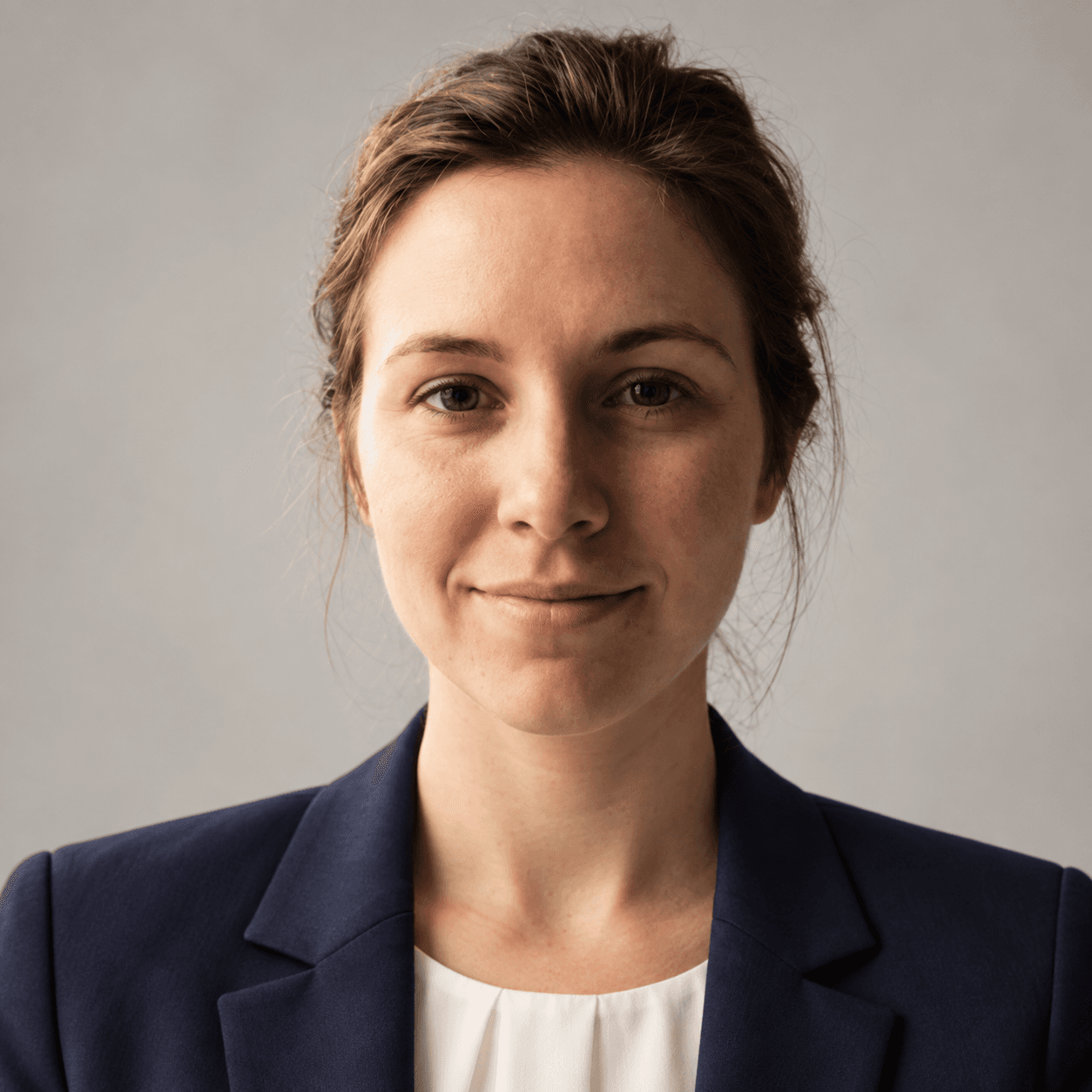
- Your face fills the frame: LinkedIn suggests about 60% of the space, cropped from the top of your shoulders to just above your head.
- You're the only person in it: no cropped group shot with a stray shoulder at the edge.
- A natural expression: eyes on the camera, a relaxed smile. LinkedIn cites a study in which smiling made people look more likable and competent.
- Soft light: daylight from a window or an overcast sky, no harsh flash or overhead fluorescent light.
- A simple background: plain, softly blurred, nothing that pulls attention from your face.
- What you'd wear to work: a suit if you wear one, a button-down if that's your office, in solid colors.
LinkedIn profile picture size and format
If the file doesn't meet LinkedIn's specifications, the photo won't upload. Here's what LinkedIn requires, and what the Kandiq tool gives you:
| LinkedIn requires | Kandiq gives you | |
|---|---|---|
| File size | 8 MB maximum | Well under the limit |
| Dimensions | Between 400 x 400 and 7680 x 4320 pixels | A square above the minimum |
| File type | PNG or JPG; GIFs aren't supported | JPG |
| Framing | A photo that won't need much cropping | Already framed on head and shoulders |
| Background photo (banner) | 1584 x 396 pixels recommended | Not created by the tool |
Can you use an AI headshot on LinkedIn?
Yes, as long as it looks like you. LinkedIn's profile photo guidelines allow an illustration, caricature or other artistic rendering of yourself, but the photo must reflect your likeness. LinkedIn may remove profile photos that consist only of:
- company logos, emojis, words or phrases;
- landscapes, animals or flags;
- childhood or baby photos;
- other people's likenesses, including stock images, celebrities and fictional characters.
The guidelines don't mention AI. What counts is resemblance: an AI headshot generated from your own selfie is still a picture of you. A portrait polished until it no longer looks like you will show on your first video interview, so judge the result as a stranger would.
Which style for your LinkedIn profile picture?
The tool offers four styles. Start from your industry and the job you want:
- Neutral studio: plain light gray background, soft front lighting. The safest choice for any industry.
- Office: softly blurred office background. Warm without being casual, a good fit for sales, healthcare administration or HR.
- Formal: dark background, suit and tie. Recommended for consulting, finance and law.
- Outdoor: natural light, blurred city background. A good fit for creative roles.
How to take the selfie
The result depends first on the photo you upload. LinkedIn's blog warns that front cameras give lower-quality images than rear ones, so ask a friend to take it with the main camera if you can. Otherwise, stand facing a window, hold the phone at eye level (a shot from below distorts your features) and keep your face clear: no sunglasses, no cap, no hair over your eyes. Take several and keep the best.
Skip the beauty filters: the AI needs your real features. Upload a JPEG, PNG or WebP file, because some browsers can't read the iPhone's HEIC format. The tool checks that the image is readable and that it clearly shows your face before it creates the headshot.
AI headshot, photographer or phone?
Studio LinkedIn headshots from a professional photographer are still the best option when your image carries a lot of weight: an executive role, public speaking, a company's team page. The photographer directs your pose, sets the lighting and retouches with restraint. According to LinkedIn's Talent blog, it typically costs between $200 and $400.
A phone photo taken by a friend costs nothing, but the background, the light and the framing often give it away. An AI headshot sits in between: you start from a photo taken at home and get a portrait with a clean background and studio-style light, in the style you choose. And you can make a new one the day you change industries, without going back to the studio.
How to upload your LinkedIn headshot
Kandiq doesn't post anything to LinkedIn for you: you download the file and upload it yourself. On desktop, following LinkedIn's help center:
- Click the Me icon at the top of your LinkedIn homepage, then View Profile.
- Click the Camera icon in your introduction section (if you already have a photo, click on it, then Add photo).
- Choose Upload photo and select the JPG.
- Crop, adjust, apply a filter if you like, and choose who can see your photo.
- Click Save photo.
In the mobile app, tap your profile photo, tap it again to open your profile, then tap the Camera icon. If the upload fails, LinkedIn suggests trying another browser.
A LinkedIn headshot, but no photo on your resume
In the United States, your headshot goes on LinkedIn, not on your resume. The EEOC says employers should not ask applicants for a photograph, and many set aside resumes that include one to stay clear of discrimination claims. A photo in the header also confuses some applicant tracking systems.
So keep your resume text-only, and let recruiters find your face where they look next: your LinkedIn profile. Kandiq's ATS checker flags any photo on a US resume. The headshot tool can place a portrait in a resume header for countries where that's customary; for an American application, leave it off. To make your headline and your resume tell the same story, see our resume summary examples.
LinkedIn profile picture mistakes to avoid
- No photo at all: a profile without a face gets fewer views and fewer accepted invitations.
- A crop from a wedding or a party: the background, the outfit and someone's shoulder give it away.
- A face retouched until it isn't yours: the recruiter will meet the real you.
- Too wide or too tight: your face disappears in the thumbnail, or gets cut by the circle.
- A blurry or tiny file, under 400 x 400 pixels, which LinkedIn won't take.
- A ten-year-old picture: update it when your look changes.
Privacy: what happens to your selfie
Your face is personal data. Before you use any AI headshot generator, read what it does with your photos. At Kandiq, your selfie is sent to our AI provider to generate the headshot, and isn't kept anywhere afterwards. The headshots are saved in your browser until you delete them.
Frequently asked questions.
About the author
Diego Benitez
Founder of Kandiq, more than 100 hires led
Diego Benitez has hired more than a hundred people, in marketing, sport and sales, as a manager at Intersport and then as Head of Growth at Goodvest (2022 to 2026). He ran those hiring processes from start to finish: screening applications, interviews, the hiring decision, then managing the team. He also knows the candidate's side: internships, work-study, student jobs, a permanent contract, starting an agency, then freelancing. He built Kandiq to give candidates what he looked for in an application himself, and what screening software can read. His guides start from the questions candidates ask Google, rely on official public sources (government employment and careers services, employment law) and are updated when the rules change. The examples are fictional; the figures are sourced.